UX case study · Enterprise AI for manufacturing
Applix Copilot & DMS
Applix helps manufacturers catch defects on the line and stop them at the source. The platform is powerful but abstract: CAD models, sensor logs, root cause analysis, corrective actions. I storyboarded and designed two demo films used in enterprise pitches — one for the Copilot and one for the Defect Management System.
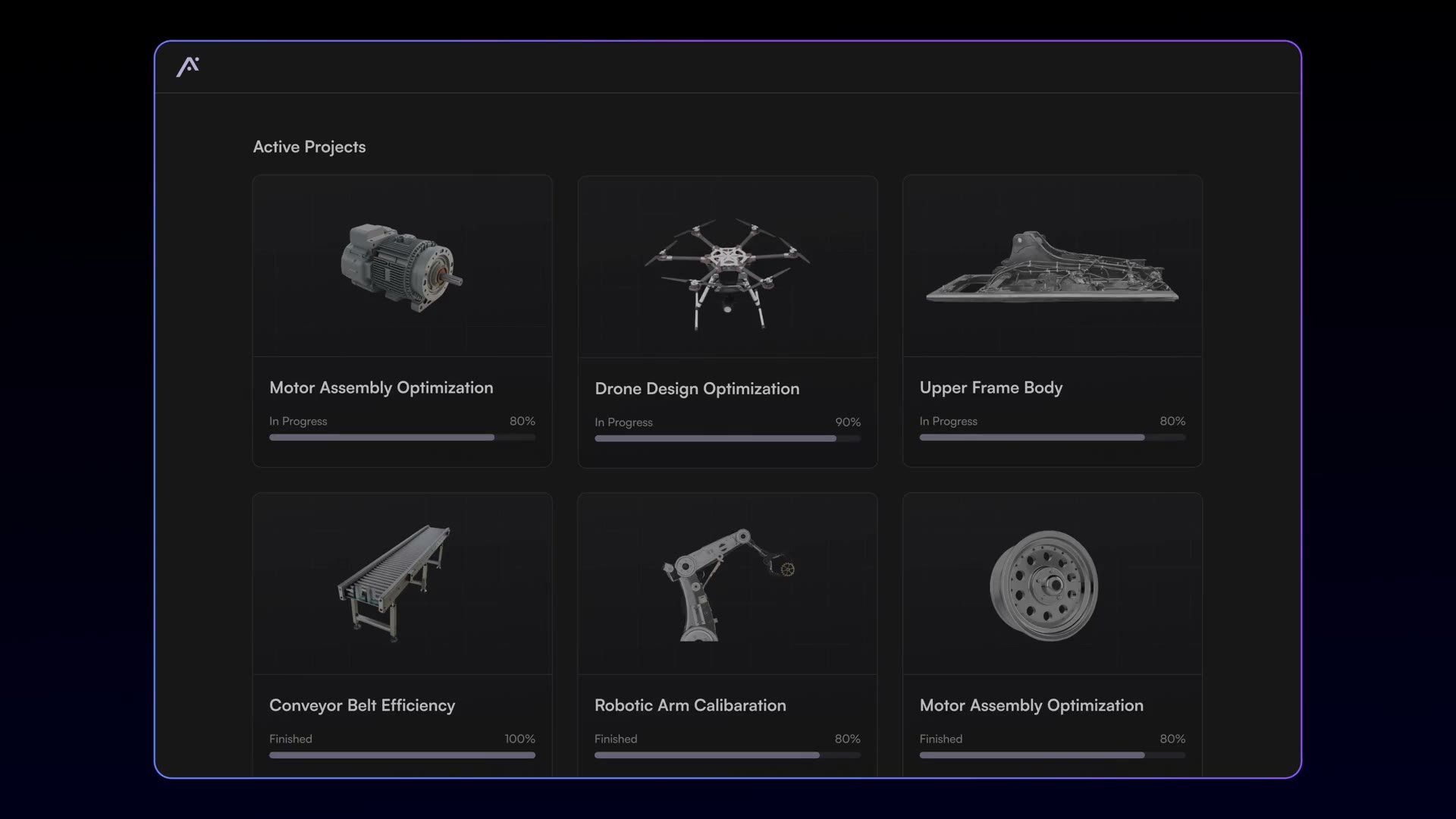
Two product films that turn a dense manufacturing AI platform into a story an enterprise buyer can follow in minutes.
01Role and team
Narrative, script flow, scene plan
Every product screen shown in both films
Me, 1 motion designer, 1 illustrator
2 product films — 3:39 and 6:13
02Film 1 — Applix Copilot
3:39A walkthrough of detection and prevention, built around one drone case study so the viewer follows a single product end to end.
- Project dashboard. Live metrics for product failures, cost, quality inspection and production efficiency.
- Visual inspection plan. The 3D CAD model sits at the centre with the bill of materials beside it. Hovering a part highlights it in the model.
- A spell check for manufacturing defects. On an iPhone or iPad, the CAD model is overlaid on the real part in augmented reality and snaps to it. Parts are checked against the design: green is correct, yellow is misaligned, red is missing.
- Instant quality report. One tap generates the report, and it can feed into legacy QMS systems.
- From detection to prevention. In the optimization module, engineers chat in natural language with a model tuned on engineering first principles. They ask for root causes, design for assembly or design for manufacturing reviews, then simulate the recommended changes. Every inspection feeds the loop toward zero defects.
03Film 2 — Defect Management System
6:13Opens on the problem before showing any product: signals are everywhere, but they are trapped in silos, so teams react instead of prevent.
- The Control Tower. One AI command center that ingests sensor logs, telematics and error codes, plus ERP, QMS and warranty systems, and surfaces early warning signs in real time.
- Logging in seconds. A defect is captured by voice, text or photo from the shop floor: a wire harness overheating at station five, with an image attached.
- Identification. Dashboards for defects by customer, cost of poor quality and defects per unit. Drilling into electrical defects surfaces the harness issue logged a moment earlier.
- Prioritization. Defects are grouped by taxonomy and ranked by severity and impact, then assigned to the right team.
- Resolution and CAPA. Teams run 5 Whys, FMEA or Fishbone analysis. Here the Fishbone points to improper routing, and the system drafts a corrective action plan. A CAPA dashboard then tracks whether failure rates actually drop.
- Reports. Custom reports shaped to each persona's needs.
04My role
- Storyboard. Shaped each film's arc: problem first, then the platform, then one concrete workflow a buyer can picture on their own line, then the outcome.
- UX/UI design. Designed the product screens shown in both films, from the project dashboards and AR inspection view to the Control Tower, prioritization and CAPA flows.
- Working with motion and illustration. Collaborated with one motion designer, who brought the screens to life, and one illustrator, who created the isometric scenes that explain data flowing into the Control Tower.